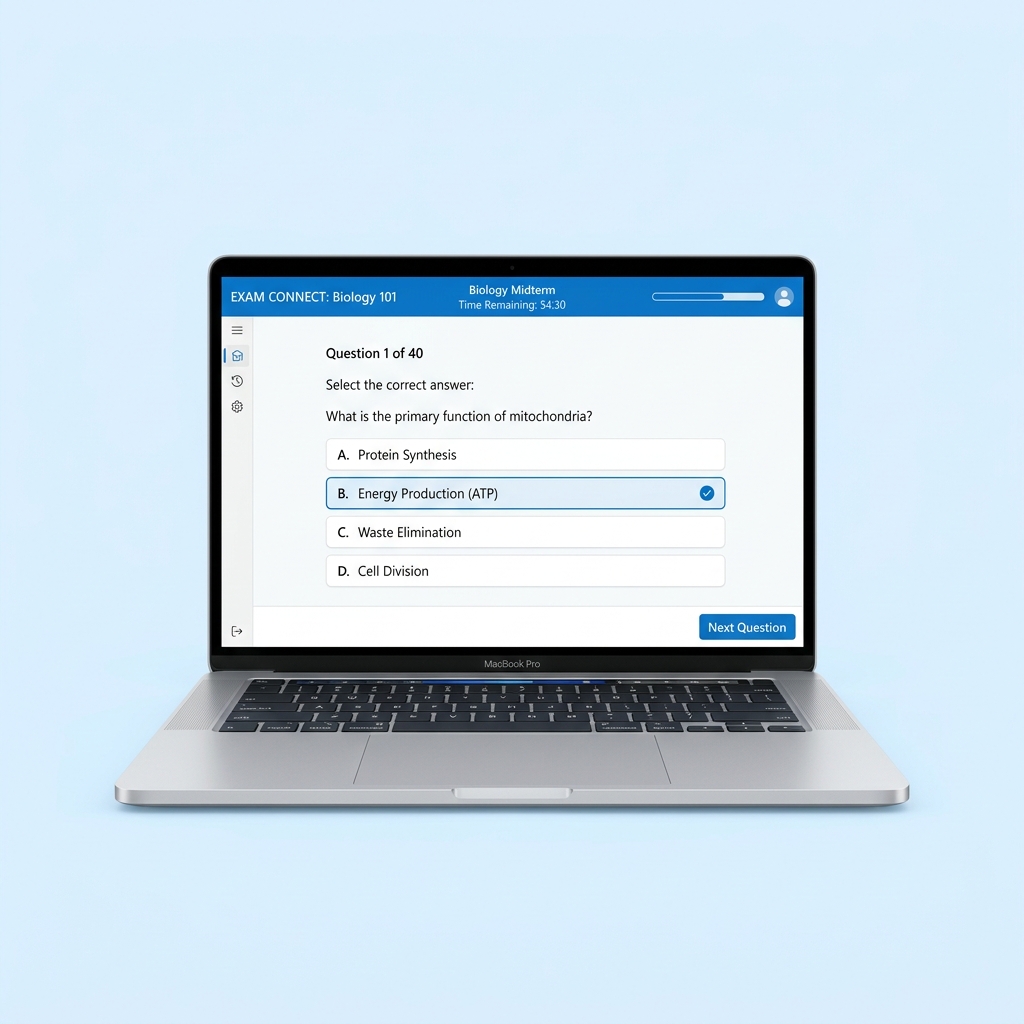
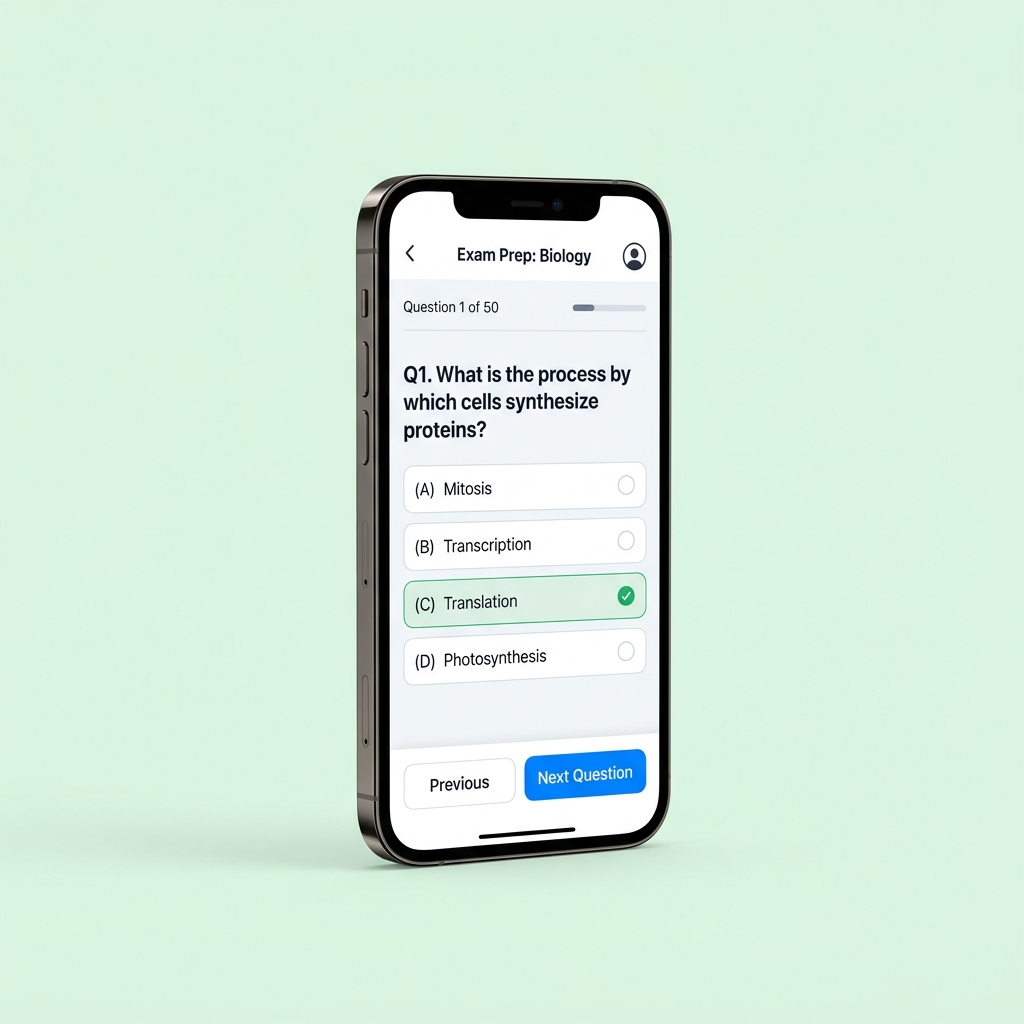
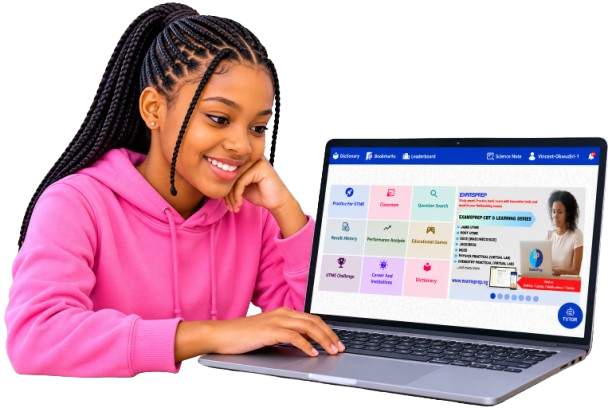
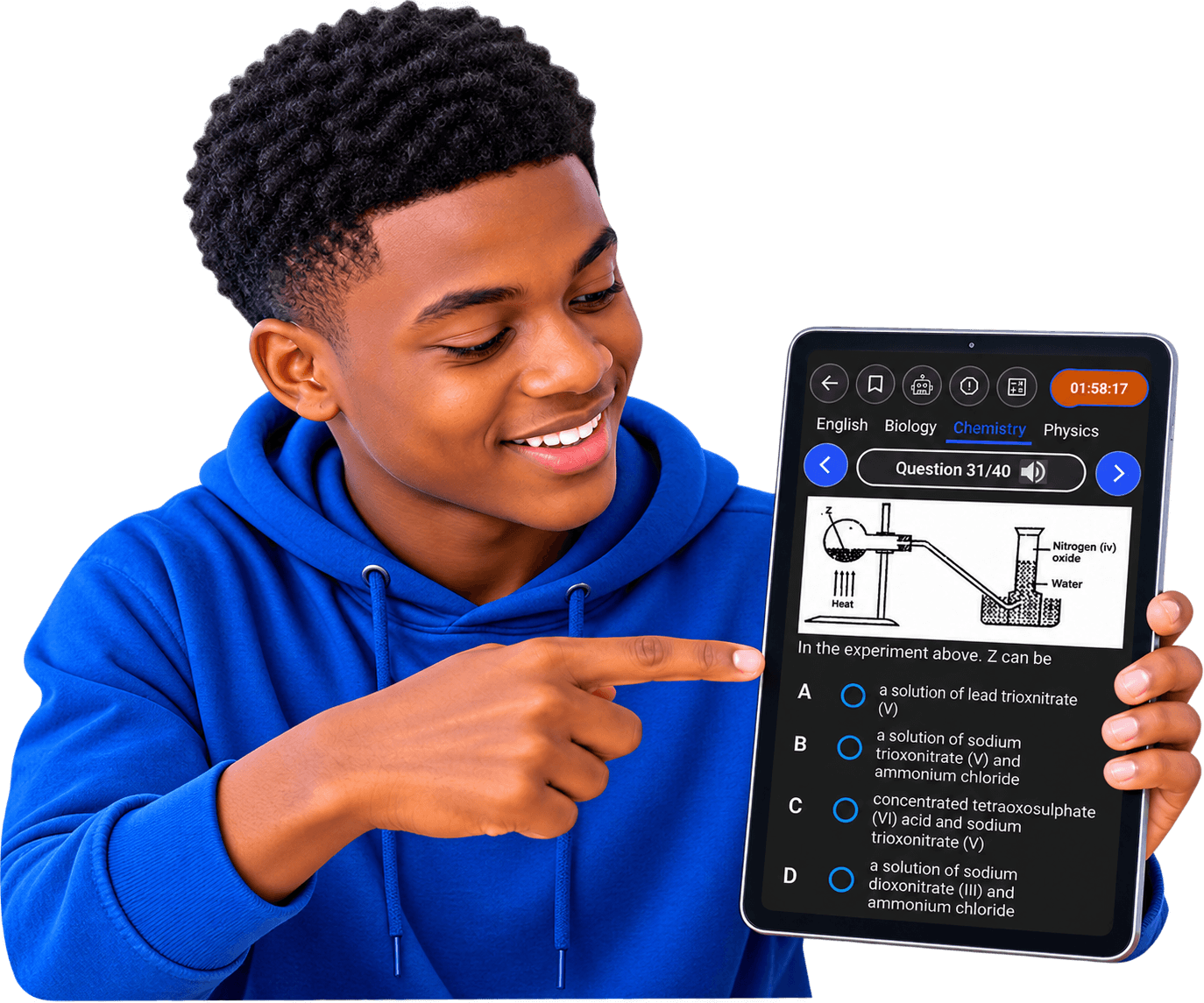
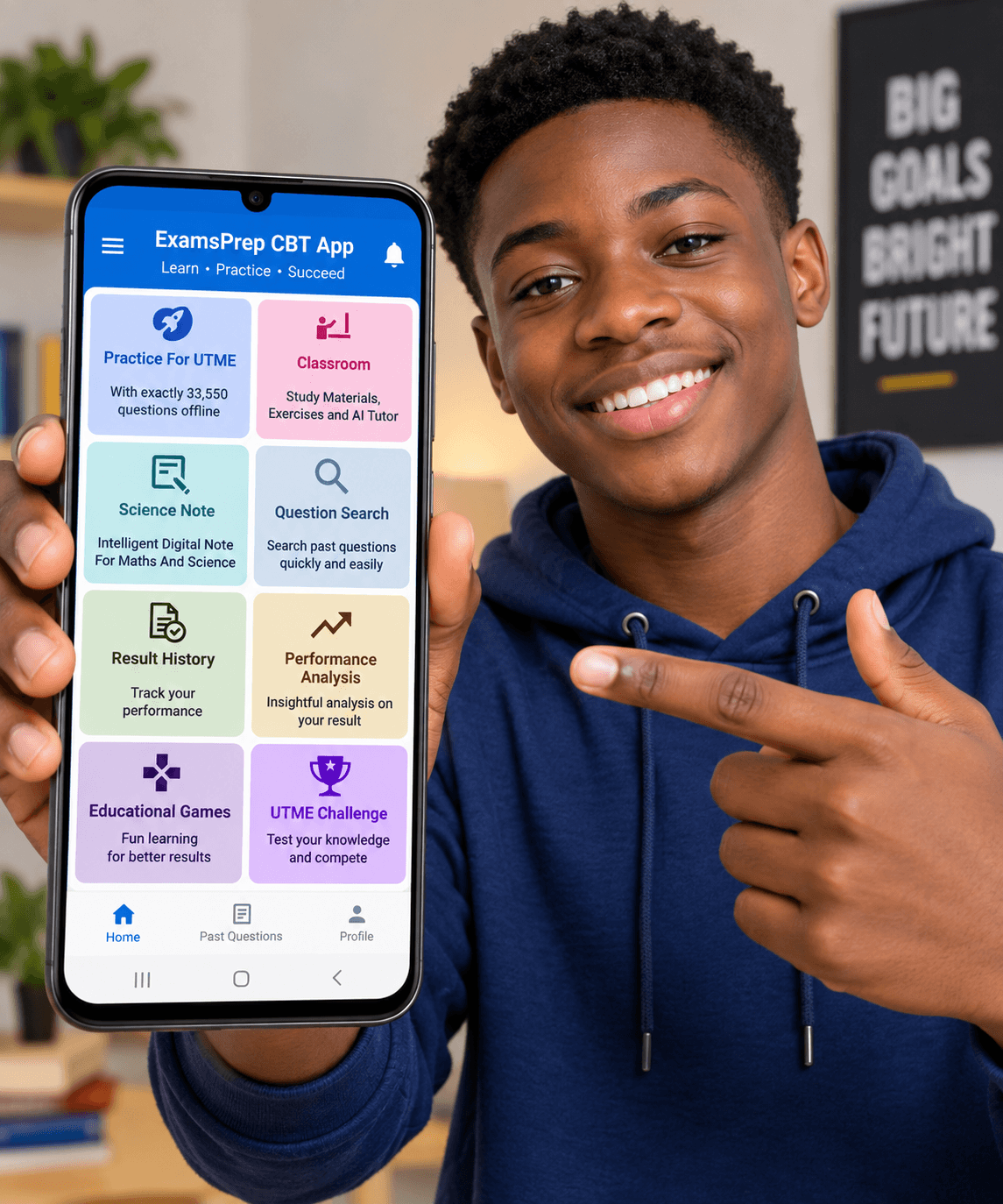
Conquer POST-UTME screening tests for top Nigerian universities (UNILAG, UI, OAU, ABU, FUTO, UNN, UNILORIN, etc.) with tailored university-specific questions.

ExamsPrep POST-UTME CBT Application is designed to prepare students seeking for admission into tertiary institutions, who have already passed their main JAMB UTME and want to conquer the POST-UTME screening examination excellently, for smoother admission into their preferred university. Since universities have different screening patterns, ExamsPrep POST-UTME App provides focus-based insights only on areas that matters, to prepare adequately and pass excellently in the screening tests of about 13 tertiary institutions in Nigeria.
Practice authentic past questions and answers with detailed explanations from 13 selected higher institutions in Nigeria, they include; Ahmadu Bello University, Bayero University Kano, Federal University of Owerri, Obafemi Awolowo University, University of Ibadan, University of Benin, University of Calabar, University of Lagos, University of Ilorin, University of Port-Harcourt, University of Uyo, Nnamdi Azikiwe University, University of Nigeria and additional 4000 questions.
Get detailed analysis on your performance after each exam, including scores, number of questions attempted, answering speed, time spent, etc. for onward improvement.
Receive real-time advice on improving your performance after each practice session, for a smarter preparation.
Listen to questions and explanations in an interesting way, for proper retention.
Get meaning and definition of over 92,000 words offline.
Activate once and use for life on all subject, no subscription, no hidden charges, and does not expire (Unlimited).
No Internet connection required after installation, learn and practice anywhere, anytime, even without data. Works on Windows and Android Operating Systems.
Crunch numbers with the build-in calculator without exiting the exam interface.
Easily customize exam settings such as the number of questions, exam time, exam mode, and username.
Save any question you wish to view later.
View scores, number of questions attempted, answering speed, time spent, etc., on beautiful charts. Results can be printed or saved.
Display passages, images, tables, subscripts, superscripts, and special symbols in both the question and option boxes.
Download the free demo version on your Windows PC or Android phone to experience realistic exam simulation.
Includes full curriculum syllabus topics, model questions, answer keys & detailed explanations.
Windows 7, 8, 10, 11 Android 5.0+
Study anytime without data or internet connection after installation. Works everywhere completely offline.
Download & test all application features for free before purchasing your activation key on the buy page.
Get started in minutes with ExamsPrep POST-UTME on your Laptop, Desktop, or Android device.
Click the "Download for PC" button to download ExamsPrep_POSTUTME.exe directly to your computer.
Locate the downloaded ExamsPrep_POSTUTME.exe file in your Downloads folder and double-click to launch setup.
Click on "More Info" and then select "Run Anyway" to launch the setup wizard.
Open the ExamsPrep POST-UTME desktop shortcut, set up your profile, enter your activation key, and practice 100% offline!
Download the ExamsPrep_POSTUTME.apk file directly to your Android phone or tablet.
Go to your phone Settings > Security > Enable "Install from unknown sources" or grant permission to your browser.
Tap the downloaded ExamsPrep_POSTUTME.apk file in your Downloads folder and select "Install" when prompted.
Open ExamsPrep POST-UTME, set up your candidate profile, input your license key, and enjoy 100% offline study!
Everything you need to know about ExamsPrep software and activation keys.